JavaScript frameworks continue to shape the future of web development. In 2026, the landscape is evolving faster than ever due to AI automation, performance-driven architectures, and growing demand for ultra-fast, scalable applications. Some frameworks that dominated the last decade are rapidly fading, while next-generation technologies built for speed, edge computing, and AI-powered development are rising. For developers, startups, and businesses, understanding these changes is essential to staying competitive. This detailed 2026 guide explores which JavaScript frameworks are on the rise, which ones are losing momentum, and what you should adopt to future-proof your development strategy.

Why JavaScript Frameworks Matter More Than Ever in 2026

JavaScript frameworks are the foundation of modern web applications. They shape performance, scalability, developer experience, and time-to-market. In 2026, businesses demand real-time experiences, lightning-fast interfaces, AI-powered automation, and cross-platform deployment across web, mobile, and desktop. Frameworks now need to support streaming, server-side rendering, reactive UI, and advanced optimization. Developers want productivity, minimal configuration, and seamless integration with AI coding assistants. This section covers why choosing the right framework matters and what metrics define framework success in 2026.

What Makes a Framework Successful in 2026

  • Performance & speed (Core Web Vitals optimization)

  • AI-assisted development compatibility

  • Scalability & architecture flexibility

  • SSR/SSG/ISR and Edge deployment support

  • Large ecosystem & developer community

  • TypeScript support as a default

  • Realtime UX capabilities

JavaScript Frameworks Rising in 2026

A new era of JavaScript frameworks is emerging in 2026, focused on performance, streaming capabilities, and lightweight rendering. These frameworks are optimized for edge computing, hybrid rendering, and minimal JavaScript overhead. They support AI-assisted workflows and integrate with modern full-stack platforms, making them the most in-demand tools for developers and companies building scalable applications. Below are the frameworks gaining major popularity in 2026 and why they’re dominating.

1. Next.js 15

Next.js continues to strengthen its position as the leading full-stack React framework. The arrival of Next.js 15 and the App Router architecture introduced improved performance, React Server Components (RSC), streaming, and advanced caching. Built-in AI-powered development tools and first-class support for edge hosting have made Next.js the go-to choice for enterprise-grade applications. Companies in fintech, SaaS, and tech continue to adopt Next.js for its flexibility, scalability, and full-stack simplicity.

Key Features

  • React Server Components

  • Hybrid rendering (SSR, ISR, SSG, streaming)

  • Server Actions & API routes

  • First-class Edge deployment

  • Built-in image & font optimization

Best For

Enterprise apps, AI-driven UX, SaaS & eCommerce platforms

2. Qwik

Qwik continues to rise rapidly in 2026 due to its revolutionary approach to performance. Designed for instant loading, Qwik ships almost zero JavaScript on initial page load and resumes execution rather than rehydrating. These innovations make it the fastest framework for mobile-focused and performance-critical applications. Qwik City adds routing and endpoint support, enabling full-stack development.

Reasons It’s Growing

  • Instant performance with resumability

  • Eliminates hydration bottlenecks

  • Ideal for Core Web Vitals optimization

  • Perfect for PWAs and dynamic content

Best For

Ultra-fast websites, mobile-first apps, SEO-focused experiences

3. Svelte 5 & SvelteKit

Svelte’s compiler-based architecture continues to attract developers in 2026 as Svelte 5 introduces the new Runes API and major performance upgrades. Unlike React or Vue, Svelte compiles code at build time, resulting in minimal runtime overhead. Combined with SvelteKit’s full-stack framework features, it delivers blazing speed with simplicity.

Why It’s Rising

  • Less code and smaller bundle sizes

  • Ultra-smooth UI performance

  • Better learning curve vs React

  • Superior TypeScript support

Best For

Apps requiring speed + simplicity, animations, UI rich experiences

4. Remix

Remix focuses on the browser and web fundamentals instead of relying heavily on client-side JavaScript. Its Web-first architecture improves routing, caching, streaming, and progressive enhancement. It is becoming the preferred choice for performance-driven content apps and server-rendered workflows.

Best For

Full-stack applications, accessible experiences, real-time apps

5. Astro

Astro’s “content-first hybrid site builder” philosophy is massively popular in 2026, particularly for blog, news, marketing, and documentation websites. It ships zero JavaScript by default, making it ideal for speed and SEO. Astro integrates seamlessly with React, Svelte, Vue, Solid, and more.

Best For

Static sites, marketing websites, landing pages, blogs

JavaScript Frameworks Losing Popularity in 2026

While some frameworks are rising rapidly, others are declining due to performance limitations, poor architecture scaling, slow updates, lack of TypeScript leadership, or weak adoption from enterprise companies. These frameworks are still functional but are no longer the preferred choice for modern development.

Frameworks in Decline

Framework Why It’s Declining
Angular Heavy bundle sizes, complexity, weaker DX, slow migration
jQuery Legacy, replaced by modern reactive frameworks
Ember.js Limited innovation, shrinking community
Backbone.js Outdated architecture
Meteor.js Slow updates, reduced developer interest

Is Angular Dying?

Not dead — but losing market share to faster and simpler alternatives like Svelte, Qwik, and Next.js.

Pricing & Costs for Popular JS Framework Development

The cost of using JavaScript frameworks varies depending on hosting platforms, scaling tools, and AI-powered development add-ons. The frameworks themselves are free, but infrastructure and developer pricing vary.

Platform & Deployment Costs (2026, USD)

Service / Platform Pricing (USD)
Vercel (Next.js, SvelteKit, Astro) $20–$99/month
Netlify $19–$49/month
Cloudflare Workers (Edge) $5–$25/month
Render $7–$45/month
AI Code Assistant Tools $10–$40/month

Trends Shaping JavaScript Frameworks in 2026

JavaScript framework evolution in 2026 is being shaped by AI automation, server-edge technologies, and the demand for fast-loading, energy-efficient applications. Modern frameworks are designed for real-time interaction, distributed rendering, and scalable data streaming. AI coding tools accelerate development, making frameworks that support AI integration far more competitive.

Major 2026 Trends

  • AI-powered full-stack development

  • Minimal JavaScript and performance-first architectures

  • Edge rendering & streaming by default

  • Server Components replacing heavy SPA models

  • TypeScript as the default language

  • Component islands & partial hydration

  • Cloud-native and micro-frontend support

  • Deep integration with design & deployment AI tools

Which JavaScript Framework Should You Learn in 2026?

Choosing the best framework depends on your goals, project type, and performance requirements. Each framework has strengths for specific use cases. Below are recommendations for developers in 2026.

Best Frameworks by Use Case

Category Recommended Framework
Best overall choice Next.js 15
Best for fastest performance Qwik
Best for beginners Svelte 5 / SvelteKit
Best for content websites Astro
Best Web-native architecture Remix
Best Enterprise scaling Next.js

Final Thoughts

The JavaScript framework market is evolving rapidly. Frameworks that prioritize performance, edge execution, and AI integration are winning, while bloated and complex systems are falling behind. Next.js, Qwik, Svelte, Astro, and Remix are shaping the future, while Angular, jQuery, and legacy frameworks continue to decline. The future of development belongs to hybrid rendering, AI-optimized workflows, and frameworks that make lightning-fast performance achievable with minimal code. Choosing the right framework in 2026 can dramatically impact scalability, user experience, and business success.

How SBM Technologies Helps You Build Modern Web Applications

At SBM Technologies, we build high-performance applications using Next.js, Svelte, Qwik, Webflow, Astro & WordPress, depending on your requirements.

Our Expert Services

  • Full-stack development with modern JS frameworks

  • Ultra-fast website & app performance optimization

  • AI-assisted development and automated workflows

  • Enterprise custom software & SaaS platforms

  • Progressive Web Apps & real-time systems

  • SEO & Core Web Vitals performance improvements

Why Partner with Us

  • 18+ years industry experience

  • Latest frameworks & AI tool integration

  • Pixel-perfect UI/UX & scalable architecture

📍 Whether you need an enterprise Next.js app or a lightning-fast Qwik website — SBM Technologies builds future-ready solutions.
Website speed and performance have become critical ranking factors in SEO and business success. In 2026, users expect websites to load in under 2 seconds, and search engines, particularly Google, now prioritize ultra-fast sites with optimized Core Web Vitals. Slow websites lose customers — over 60% of users abandon any page that takes longer than 3 seconds to load. Fortunately, AI website creation tools available in 2026 have revolutionized speed optimization. They automatically optimize code, compress assets, improve UX, and enhance performance without requiring manual technical work. This guide explains how to build ultra-fast websites using AI tools, along with pricing, methods, trends, and best practices.

Why Ultra-Fast Website Speed Matters in 2026

Website speed in 2026 is not just about user experience — it directly affects revenue, search engine rankings, engagement, conversions, and brand credibility. Businesses with ultra-fast sites see higher ROI and stronger SEO compared to slower competitors. Since online users demand instant browsing, site owners must leverage AI-powered optimization to maintain competitive advantage. Google Core Web Vitals require high performance metrics such as fast first contentful paint and low input delay. AI tools dramatically simplify performance tuning, reducing development time and improving measurable performance scores.

Key Benefits of Ultra-Fast Websites

  • Increased Google search rankings

  • Improved conversion rates (up to 50% higher)

  • Better mobile user experience

  • Lower bounce rates

  • Higher customer retention

  • Stronger brand authority

Core Web Vitals Performance Goals

Metric Ideal in 2026
Loading (LCP) < 2.5s
Interactivity (FID) < 100ms
Visual Stability (CLS) < 0.1
Mobile Speed Score 90–100

How AI Tools Build Ultra-Fast Websites Automatically

AI website builders in 2026 use machine learning, predictive UX modeling, and performance-based algorithms to generate websites that are highly optimized from the start. Unlike traditional manual development, where developers must optimize each component separately, AI-driven website creation automates everything — code cleanup, image compression, structure refinement, hosting optimization, caching strategies, and CDN deployment. This section explains exactly how AI designs and builds ultra-fast sites using intelligent automation and real-time performance scoring.

AI Optimization Workflow

1. Smart Layout and Code Generation

AI generates structured, optimized HTML/CSS/JS without heavy bloat.

2. Asset Optimization

Automatic image compression, WebP conversion, and lazy loading.

3. Performance-Based Hosting

AI deploys websites on CDN-supported hosting to ensure ultra-fast global delivery.

4. Real-Time Speed Auditing

Built-in scoring monitors speed and optimizes layout until thresholds are achieved.

5. Auto-Optimization of Interaction & Animations

Removes heavy libraries, ensuring minimal JavaScript rendering time.

Best AI Tools to Build Ultra-Fast Websites in 2026

To build ultra-fast websites, selecting the right AI tool is crucial. In 2026, multiple AI-based builders combine automated performance optimization, instant deployment, and integrated hosting architectures. These tools remove complexity while delivering enterprise-level speed and design quality. Below are the top-performing AI platforms with key features, ideal usage cases, and USD pricing.

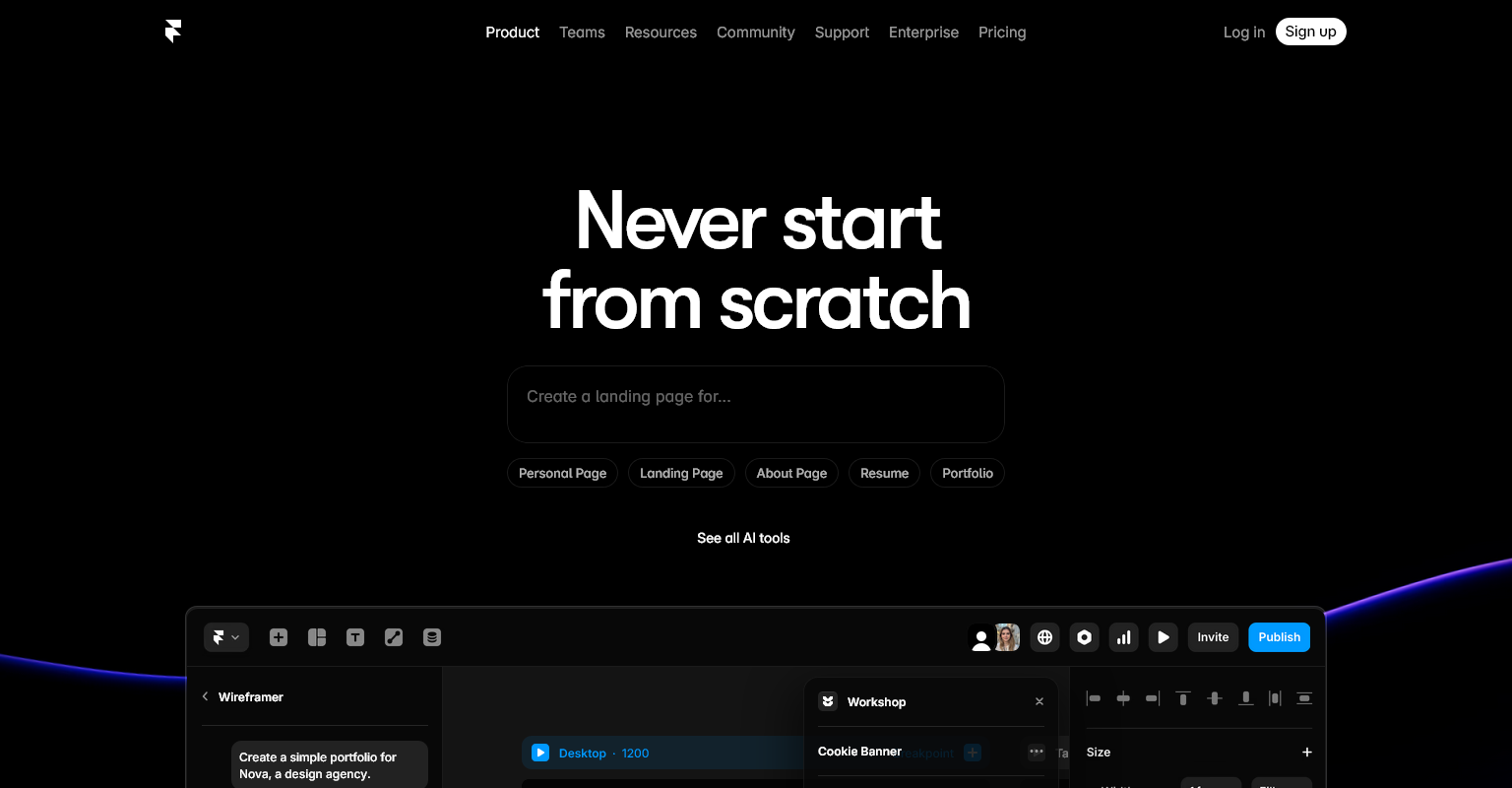
1. Framer AI

Framer AI is the fastest AI website builder for startups, SaaS companies, and product landing pages. It generates professional high-performance pages with modern UI and minimal code weight. Framer sites are designed for ultra-fast load times and high Google PageSpeed scores using advanced rendering and CDN hosting.

Performance Features

  • Built-in AI layout builder

  • Start-to-publish in minutes

  • Integrated speed optimization and SEO tools

  • Pixel-perfect animations without lag

  • Automatic CDN hosting

Pricing (USD)

  • Mini: $5/month

  • Basic: $10/month

  • Pro: $20/month

  • Business: Custom pricing

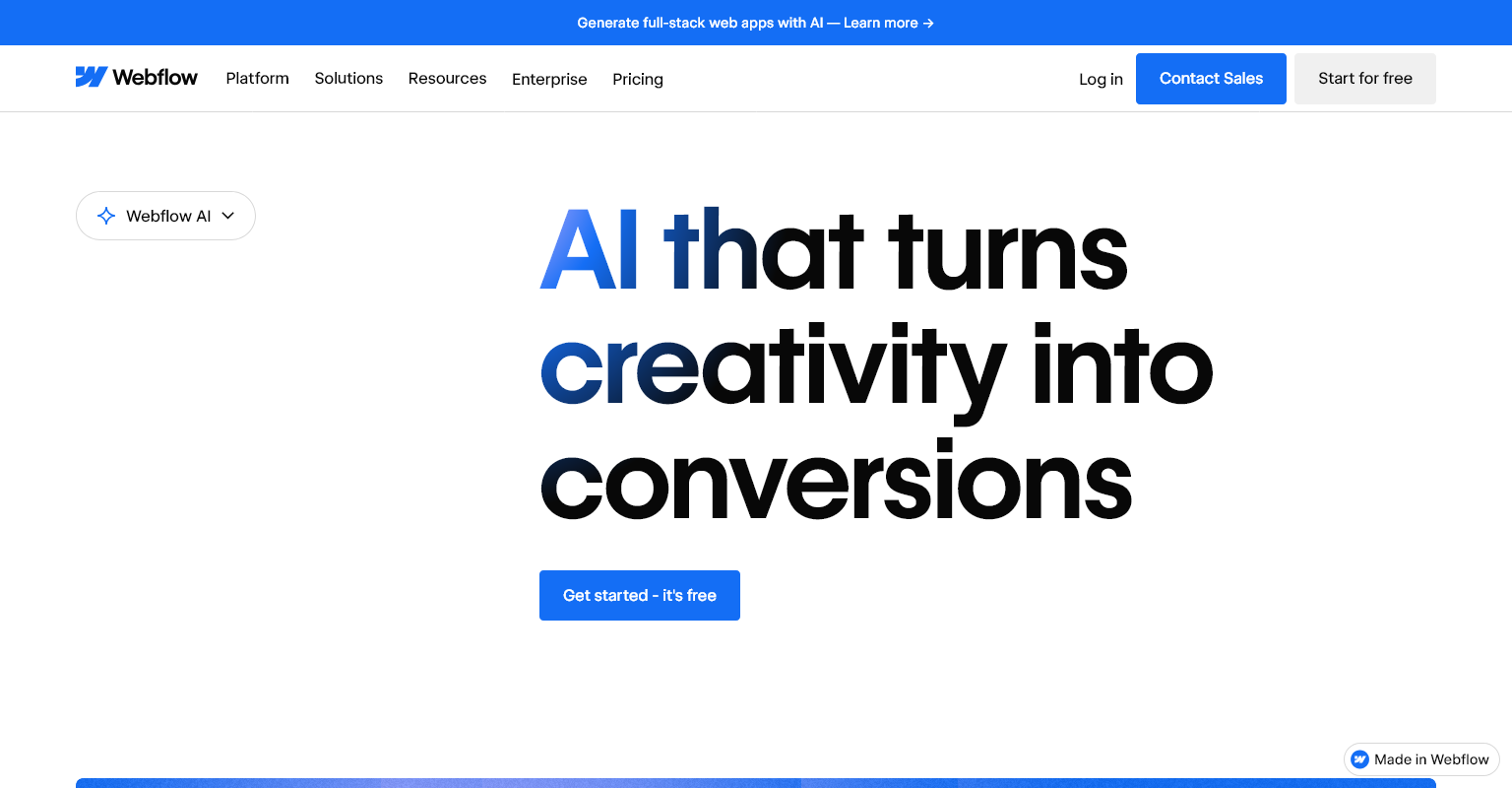
2. Webflow AI

Webflow AI provides complete design customization with AI-assisted performance tuning. Users can generate components, fix responsiveness, and optimize scripts using natural-language commands. Webflow sites are extremely fast due to clean code, CSS grids, and lightning CDN performance. Perfect for designers and agencies needing more control.

Pricing (USD)

  • Starter: Free

  • CMS Plan: $23/month

  • Business: $39–$49/month

3. Wix ADI 3.0

Wix ADI uses conversational AI to auto-generate websites optimized for speed. It compresses images, minifies scripts, and applies speed-ready structures. It’s beginner-friendly, making performance simple to achieve.

Pricing (USD)

  • Website plans: $8–$16/month

  • Business & eCommerce: $17–$32/month

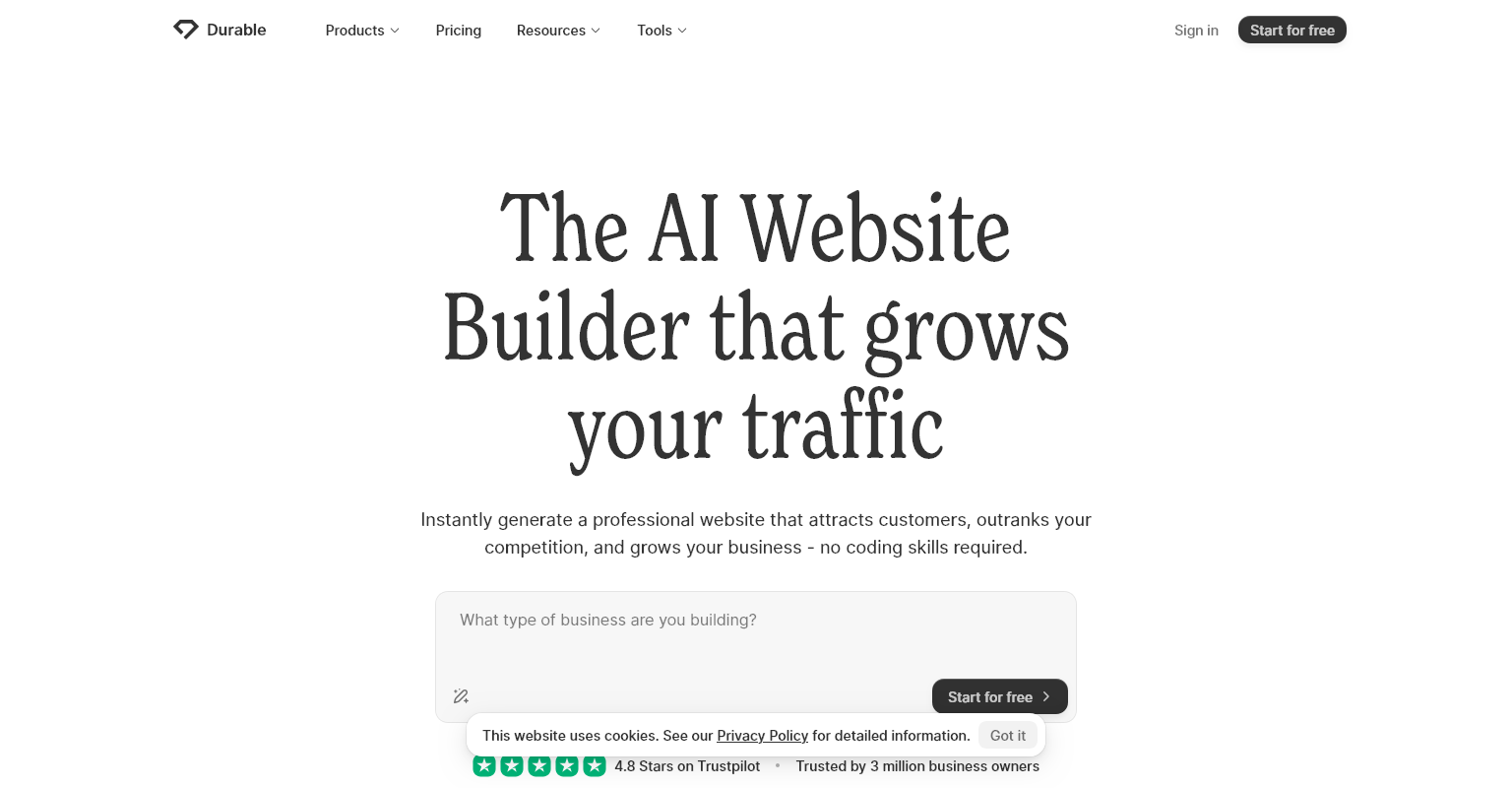
4. Durability AI Builder

Designed to create websites instantly based on business description.

Pricing

  • Starter: $12/month

  • Business: $20/month

5. WordPress AI + Optimization Plugins

With AI-powered plugins like Elementor AI, RankMath AI, and WP Super Cache AI, WordPress generates optimized layouts and content while improving site performance.

Typical Yearly Cost (USD)

  • Hosting + Plugins + Themes: $50–$150/year

AI Strategies to Build Ultra-Fast Websites

Beyond AI website generators, successful performance also depends on optimization strategies like minimizing scripts, using smart image rendering, caching, reducing server load, and implementing modern frameworks. AI tools automate these strategies in real-time.

Key AI-Driven Optimization Techniques

  • AI image optimization + WebP auto-conversion

  • AI font loading prioritization

  • AI-generated lightweight CSS

  • Script splitting and deferred JavaScript

  • Auto-lazy loading for media

  • Predictive content prefetching

  • AI-generated responsive breakpoints

  • Automatic CDN configuration

  • Automated accessibility monitoring

Trends in AI-Powered Website Speed Optimization (2026)

The evolution of AI has changed the way websites are built and optimized. In 2026, we are seeing deep integration of speed analytics with intelligent tuning engines that adapt website code based on real-world usage. This section highlights major trends shaping performance-focused website design.

Major Trends

  • One-click automated performance tuning

  • Real-time AI website rewriting for mobile performance

  • Intelligent media compression that maintains visual quality

  • AI-generated edge hosting and serverless deployments

  • AI-powered progressive web app (PWA) generation

  • 3D and motion UI with zero-lag rendering engines

  • AI speed scoring dashboards with optimization suggestions

Manual vs. AI Websites — Which Is Faster in 2026?

Manual websites provide deep optimization control but require significantly more time, effort, and developer expertise. AI websites deliver faster launch times and intelligent automation, but may offer limited control over advanced configurations. Depending on business scale and performance needs, both approaches have advantages.

Speed Comparison

Feature AI-Built Site Manual Site
Build Time Minutes to hours Weeks to months
Optimization Automatic Manual
Hosting Performance High (CDN integrated) Variable
Mobile Performance Excellent Depends on developer
Cost Low Medium to high
Scalability Medium High

Winner

AI websites for speed and simplicity, Manual websites for enterprise precision.

Final Conclusion — Building Ultra-Fast Sites with AI in 2026

Building ultra-fast websites in 2026 has become dramatically easier thanks to AI. Instead of writing code manually or spending weeks optimizing performance, AI tools provide instant, professional quality results. For small businesses, creators, and startups, AI website builders offer unbeatable speed advantages. For larger companies needing advanced custom features, a hybrid model — AI foundation plus manual refinement — delivers ultimate performance.

How SBM Technologies Helps You Build Ultra-Fast Websites

At SBM Technologies, we specialize in building AI-powered and custom manual ultra-fast websites optimized for speed, SEO, and conversion performance.

Our Services

  • AI-powered website creation & deployment

  • Hand-crafted custom WordPress & Webflow sites

  • Ultra-fast hosting & CDN integration

  • Core Web Vitals & PageSpeed optimization

  • Premium UX/UI design & branding

  • SEO strategy & content support

  • Affordable pricing for startups & SMBs

Why Choose Us?

  • 18+ years technical experience

  • Latest AI and automation technologies

  • Clean, scalable & future-proof development

  • Speed scores 90+ on desktop & mobile

Whether you need a fully AI-generated ultra-fast website or a hand-crafted enterprise-level custom website, SBM Technologies delivers outstanding performance, design, and results.

📍 Let us build your next high-speed website — built for 2026 and beyond.

The frontend ecosystem is evolving at an unbelievable pace. What worked in 2020 is outdated in 2026. Today, frontend developers require powerful tools to build rich interactive experiences, optimize performance, enhance UI workflows, and automate repetitive coding tasks. With the widespread adoption of AI automation, component-driven development, Web3 interfaces, and real-time collaborative applications, frontend development has entered a new era. This article explores the Top 20 Frontend Tools dominating web development in 2026, including frameworks, build tools, package managers, AI tools, UI libraries, and testing utilities. We break down features, pricing, use cases, and why these tools matter in modern development — and how developers can stay ahead.

Why Frontend Development Tools Matter in 2026

Frontend tools significantly shape developer efficiency, user experience, and project scalability. With rising expectations for speed, mobile responsiveness, accessibility, and real-time experience, developers must leverage tools that automate tasks and optimize performance. 2026 tools emphasize AI-driven code generation, smart debugging, advanced bundling, powerful UI components, and cloud-based collaborative environments. Businesses require faster delivery cycles, higher performance scores, and modern beautiful interfaces. Choosing the right frontend tools reduces development time, increases maintainability, and ensures future-proof application architecture. Understanding trending frontend tools is now essential for competitive developers and companies seeking growth.

Top 20 Frontend Tools Dominating 2026

Here are the 20 most powerful, widely used, and industry-defining frontend tools in 2026. These tools are dominating demand across global businesses, startups, and product engineering teams. Each tool was selected based on popularity, performance, developer experience, job-market relevance, and integration flexibility. Whether you’re a beginner or advanced developer, mastering these tools will ensure relevance and competitiveness in modern frontend engineering.

1. React.js

React remains the world’s most popular frontend library for building dynamic user interfaces. Known for component-based architecture, reusability, and massive community support, React powers platforms like Facebook, Instagram, Netflix, and Shopify. In 2026, React’s integration with React Server Components, Suspense, and concurrent rendering dramatically improves performance and SEO friendliness. Combined with Next.js, React remains the default choice for scalable production web apps.

Key Features

  • Virtual DOM

  • Component-based UI building

  • Huge ecosystem and job market

  • Ideal for enterprise apps

Pricing: Free & open-source

2. Next.js

Next.js is the most popular React framework for SSR, SSG, and full-stack development. In 2026, Next.js 15 brings enhanced routing, edge rendering, built-in image optimization, and advanced caching for lightning-fast performance. Next.js is the leading choice for SEO-heavy websites, eCommerce, dashboards, and SaaS platforms. With automatic API routes and server actions, it enables full-stack capabilities in one framework.

Pricing: Free + Vercel Hosting: $20–$200/month

3. Vue.js

Vue continues its rise due to developer-friendly architecture and fast learning curve. Its composition API improves reusability and scalability. Vue is preferred by designers transitioning to development and teams that need rapid UI production.

Pricing: Free

4. Angular

Enterprise-level framework with TypeScript, dependency injection, and state management built-in. Perfect for large structured applications.

Pricing: Free

5. Svelte / SvelteKit

Extremely lightweight with compile-time rendering. Ultra-fast and ideal for performance-critical projects.

Pricing: Free

6. Tailwind CSS

Utility-first CSS framework replacing traditional SCSS. Reduces repetitive CSS writing and ensures consistent styling.

Pricing: Free

7. Material UI (MUI)

The most popular React UI component library for corporate dashboards.

Pricing: Free + Pro plans from $99–$699

8. Bootstrap 6

Still dominant for quick UI building and prototyping.

Pricing: Free

9. Framer Motion

Next-level web animation framework for React.

Pricing: Free

10. Figma

#1 collaborative UI/UX design tool used before coding.

Pricing: Free, Pro $12–$22/user/month

11. Vite

Ultra-fast build tool replacing Webpack in most projects.

Pricing: Free

12. Webpack

Still essential in complex enterprise build systems.

Pricing: Free

13. Storybook

UI component documentation & testing environment.

Pricing: Free + Cloud ($20–$200/month)

14. GSAP

Industry standard for premium animations & motion design.

Pricing: Free + Club GreenSock $199/year

15. Cypress

Best end-to-end testing tool for frontend applications.

Pricing: Free + Cloud $75/month

16. Jest

The most widely used testing library for JS apps.

Pricing: Free

17. GitHub Copilot X

AI automation tool that writes code, refactors & builds UI.

Pricing: $10–$19/month

18. TypeScript

Modern JavaScript standard for enterprise apps improving reliability.

Pricing: Free

19. Three.js

Enables stunning 3D experiences, virtual tours & AR/VR.

Pricing: Free

20. Firebase

Real-time database, hosting, authentication, analytics.

Pricing: Free tier + Paid usage $25–$300/month

Skills Frontend Developers Must Learn in 2026

Frontend developers must now understand more than just HTML, CSS, and JavaScript. Modern roles require deep knowledge of frameworks, performance optimization, accessibility, responsive design, security, testing, and AI integration. The most successful developers master both UI creativity and backend logic handling through full-stack skills. Additionally, developers skilled in AI tools and automation become significantly more productive.

Must-Have Skills

  • TypeScript

  • React + Next.js or Vue / Svelte

  • UI/UX understanding

  • Microfrontends

  • Web performance optimization

  • PWAs & APIs

Future of Frontend Development Beyond 2026

The future of frontend is immersive, automated, and intelligent. AI will generate majority of repetitive interface code. Voice-based UI, wearable web experiences, 3D product visualization, and real-time personalization will become standard. Developers will shift to architecture, performance, accessibility, and creative experiences over manual coding.

Predictions

  • AI-first coding workflows

  • No-code front-end generation

  • Component marketplaces replacing custom builds

  • 3D and motion becoming mainstream

  • Full WebXR adoption

Final Thoughts

2026 is a revolutionary year for frontend development. Developers who master these tools gain an incredible competitive advantage. Learning the right toolset is the key to securing top jobs, building scalable apps, and staying future-proof.

How SBM Technologies Helps You Build Modern Frontend Websites

At SBM Technologies, we build high-performance, visually stunning frontend applications using:

✅ React, Next.js, Vue, Angular, Svelte
✅ Framer Motion, GSAP, Three.js
✅ Tailwind, Material UI, Bootstrap
✅ Web apps, PWAs, SaaS dashboards, AI-powered websites
✅ Full-stack & SEO-optimized solutions

Whether you want:

  • 🚀 A fast AI-Generated Website

  • 🧠 A custom-coded manual frontend application

  • 🛍 E-commerce / SaaS / corporate portal

SBM Technologies builds it perfectly based on your requirements — designed for performance, conversion, and growth.

Web development is evolving faster than ever. From AI-driven website generation and no-code platforms to Web3, real-time applications, and immersive AR/VR experiences, 2026 marks a major turning point for developers and businesses building for the digital future. Understanding the latest web development trends helps developers stay competitive and businesses choose technology that ensures long-term scalability, performance, and user experience. This comprehensive 3000–3500-word guide explores the most important web development trends in 2026, technology stacks, frameworks, AI tools, backend advancements, cybersecurity evolution, salary insights, and future predictions. Every developer, freelancer, and business owner should read this to prepare for the next era of the web.

The Evolution of Web Development in 2026

Web development in 2026 looks fundamentally different from previous years. Traditional coding is merging with AI automation, low-code builders, microservices, and cloud-native solutions. Websites are becoming smarter, interactive, hyper-personalized, and performance-driven. Developers now focus less on writing repetitive code and more on solving business and user-experience problems. Organizations are adopting tools that increase development efficiency, reduce costs, and streamline deployment. As AI and automation take over routine tasks, developers must evolve into strategic problem solvers with broader knowledge of system architecture, data flows, and intelligent UI development. Understanding these shifts prepares you for the changing landscape.

What’s driving rapid transformation?

  • AI replacing manual design & coding

  • User demand for instant experiences

  • Remote & global distributed development teams

  • Increased cybersecurity requirements

  • Cloud-native and serverless architectures

  • Rise of immersive WebXR environments

Top Web Development Trends Shaping 2026

2026 introduces revolutionary web development trends that every developer should master to stay competitive. These trends impact front-end, back-end, DevOps, cloud engineering, creativity, design, and product experience. From AI-powered development environments to decentralized identity management, this section outlines the most important technologies and practices driving the future of digital innovation. Whether you are a beginner developer, advanced engineer, or business building a website or application — understanding these trends will help you build faster, more secure, scalable, and future-proof digital products.

Trend 1 — AI-Driven Development & Autonomous Coding

AI has transformed web development by assisting, accelerating, and in some cases replacing traditional workflows. AI coding assistants can now generate complete code modules, documentation, test cases, UI layouts, API connections, database models, and bug fixes — drastically reducing development time. In 2026, AI development is moving beyond assistance to autonomous development, where systems produce production-level applications with minimal human input. Developers now act as reviewers and architects of AI-generated code.

Examples of AI Development Tools & Pricing (USD)

Tool Purpose Pricing
GitHub Copilot X AI coding automation $10–$19/month
Replit AI Full-stack AI builder $10–$25/month
Sourcegraph Cody Enterprise AI coding $20–$29/month
Amazon CodeWhisperer Cloud AI coding Free–$19/month
ChatGPT Code Assistant Code generation & debugging varies

What developers must do

  • Understand prompts & AI workflows

  • Learn architecture, not repetitive syntax

  • Focus on logic, security & scalability

Trend 2 — No-Code & Low-Code Platforms

No-code and low-code platforms are expanding rapidly, enabling businesses to deploy production-ready applications without extensive manual programming. By 2026, more than half of small businesses build their websites through tools like Webflow AI, Bubble.io, and Wix Studio, significantly reducing development time and cost. Instead of replacing developers, these tools shift their responsibilities to integration, optimization, and custom logic building.

Popular Low-Code Tools & Pricing (USD)

Platform Use Case Pricing
Webflow AI Custom responsive websites $14–$49/month
Bubble Full-stack apps & SaaS $29–$129/month
Wix Studio AI Business websites $8–$32/month
FlutterFlow Mobile & web apps $20–$70/month

Trend 3 — Web3, Blockchain & Decentralized Apps

Web3 development continues to grow as decentralized systems become mainstream. Instead of relying on centralized systems, decentralized applications (dApps) provide transparency, user ownership, and digital asset security. In 2026, blockchain use cases extend beyond finance into identity verification, supply chain, healthcare, gaming, and smart manufacturing. Developers are learning Solidity, Rust, and smart contract integrations.

Key Technologies

  • Ethereum, Polygon, Solana

  • IPFS & decentralized storage

  • Smart contracts

  • Decentralized Identity (DID)

  • Token-based platforms

Trend 4 — Progressive Web Apps (PWAs)

PWAs continue to replace native mobile apps because they provide fast, installable, offline-capable experiences without requiring app store approval. In 2026, companies choose PWAs for cost-efficiency and performance. PWAs increase conversions by up to compared to traditional mobile websites.

Advantages

  • Faster loading

  • Offline support via service workers

  • Push notifications

  • Home-screen installation

Industries adopting PWAs

  • E-commerce

  • Banking & finance

  • Travel & hotel systems

  • Food delivery platforms

Trend 5 — Serverless & Microservices Architecture

Serverless computing eliminates traditional server management, enabling developers to deploy scalable applications without configuring infrastructure. Microservices divide large applications into independent components that work together. In 2026, serverless is the backbone of scalable applications, improving performance and cost efficiency.

Popular Serverless Platforms

Platform Pricing
AWS Lambda Pay-per-execution
Google Cloud Functions Usage-based
Azure Functions Usage-based
Vercel Edge Functions $20–$200/month
Netlify Functions $19–$99/month

Trend 6 — AR/VR & WebXR Immersive Experiences

By 2026, immersive interfaces are becoming mainstream for e-commerce, product demos, education, gaming, real-estate walkthroughs, and virtual events. WebXR lets users experience 3D content directly in a browser without apps or downloads.

Popular Tools

  • Three.js

  • A-Frame

  • Babylon.js

  • Blender + WebXR integrations

Trend 7 — Cybersecurity & Zero-Trust Architecture

As security threats become more advanced, businesses are adopting Zero-Trust security models, real-time authentication systems, biometric login, and AI-powered threat detection. Developers must now build security into the entire lifecycle instead of treating it as an afterthought.

Required Skills

  • OWASP Top 10

  • API security & encryption

  • Pen-testing basics

  • Secure authentication systems

Most In-Demand Developer Skills & Languages in 2026

The developer skill landscape is shifting. While traditional languages remain essential, demand is shifting toward frameworks that support real-time apps, scalability, AI integration, and high-performance UI. This section highlights the top programming languages used globally in 2026 for web development jobs, SaaS engineering, and enterprise software.

Top Programming Languages 2026

Language Use Case
JavaScript & TypeScript Front-end, backend, SaaS
Python AI & automation
Go (Golang) Cloud, microservices
Rust Security & blockchain
PHP 8 CMS & enterprise
Dart/Flutter Mobile + web apps
Kotlin Android & backend

Future of Web Development — What’s Next Beyond 2026?

Web development will continue evolving rapidly beyond 2026 with automation, AI agents, decentralized digital identity, cognitive interfaces, and voice-powered systems. Developers who embrace adaptability and continuous learning will lead the next generation of innovation. Future technology emphasizes personalization, automation, security, and immersive experiences.

Predictions

  • 80% of frontend coding replaced by AI

  • Voice-based navigation will dominate browsing

  • Web3 identity will replace passwords

  • PWAs will replace most mobile apps

  • Internet UI becomes more 3D & motion-driven

Final Thoughts

Web development in 2026 requires developers to be multi-skilled, adaptive, and future-focused. AI will not eliminate developers — it will empower them to work faster and smarter while focusing on creativity, strategy, and architecture. Whether you are building modern websites, SaaS platforms, mobile apps, or enterprise systems, adopting the latest technologies gives your projects longevity and competitive advantage. Staying updated with trends means continuously learning, experimenting, and improving. The future belongs to developers who evolve with technology instead of resisting it.

How SBM Technologies Helps You Build Modern Web Solutions

At SBM Technologies, we specialize in building powerful modern websites and applications using:

✅ AI-powered development & automation
✅ Full-stack custom manual development
✅ Web apps, PWAs, eCommerce & SaaS platforms
✅ WordPress, Webflow, React, Next.js, Node.js, Laravel
✅ Enterprise-grade cloud hosting & cybersecurity solutions
✅ SEO-optimized, scalable, conversion-focused design

We build:

  • Fast AI-Generated websites for quick launches

  • Fully customized manual applications for long-term scalability

  • Secure, high-performance solutions crafted for business success

Whether you need a startup-ready platform, corporate solution, or AI-powered website,
SBM Technologies builds it perfectly based on your requirements.

📩 Contact us to start your Web Development journey today.

AI website creation has evolved dramatically by 2026. Tasks that once required designers, developers, and SEO specialists can now be automated using advanced AI. With AI-generated websites becoming affordable, faster, and more accurate, beginners and businesses must understand how these platforms work, how much they cost, and whether they can outperform traditional manual websites. This 3000–3500-word guide explains everything — AI tools, pricing, SEO impact, methods, trends, and comparisons — ending with how SBM Technologies can help you build both AI or manual websites professionally.

What Are AI-Generated Websites in 2026?

AI-generated websites in 2026 are fully automated digital platforms created using prompt-based artificial intelligence. These systems analyze your business type, brand identity, and target audience, and generate a complete website — including layout, images, text, SEO settings, and responsiveness. Thanks to multi-modal AI technologies, websites now require minimal manual design or coding. Whether you’re a small business owner or a freelancer, AI-generated websites offer a fast and cost-effective way to get online. This section explains exactly how AI-powered website creation works and why it’s transforming the future of web development.

How AI Understands Your Business

AI-Generated websites analyze inputs like:

  • Niche

  • Competitors

  • Brand colors

  • Content tone

  • Pages needed

  • Keywords

And then design your website using UX patterns and SEO best practices.

How Advanced Is AI in 2026?

Today’s AI doesn’t just “assist.” It:

  • Designs layout grids

  • Writes conversion-focused copy

  • Generates matching images

  • Creates animations

  • Writes HTML/CSS/JS

  • Optimizes speed scores

  • Fixes broken UI automatically

AI has become your designer, developer, content writer, and SEO expert all-in-one.

How AI Website Builders Work (Step-by-Step)

AI website builders use machine learning, natural language processing, and design-trained algorithms to understand your requirements and turn them into a functional website. This section gives beginners a clear breakdown of the full AI workflow, from input collection to deployment. You’ll learn exactly how AI makes creative decisions, structures content, generates UI elements, writes text, and produces clean responsive pages ready for publishing within minutes.

Step-by-Step Workflow

1. Input Collection

You tell the AI:

  • Business name

  • Description

  • Features required

  • Competitors

  • Visual style

2. AI Interpretation & Planning

The system identifies your industry pattern and predicts ideal UX structures.

3. Wireframe + Layout Generation

AI creates multiple layouts based on modern UI/UX principles.

4. Content Generation

The AI writes:

  • Headlines

  • CTAs

  • Page descriptions

  • Blog posts

  • Metadata

  • Schema

5. Code Rendering or No-Code Assembly

Depending on the platform:

  • Code-Based AI generates HTML/CSS/JS

  • No-Code AI builds with drag-and-drop blocks

6. Auto-Deployment

AI handles hosting, CDN, SSL, and publishing.

Top AI Tools for Building Websites in 2026 (With USD Pricing)

AI website builders in 2026 are more powerful, flexible, and intelligent. They combine visual design engines, prompt-based UI generation, automated SEO, and content creation in one platform. This section highlights the most popular AI website tools today, including pricing in USD, features, and best use cases. Whether you’re building a business site, portfolio, eCommerce store, or SaaS landing page, these tools significantly reduce time, cost, and complexity.

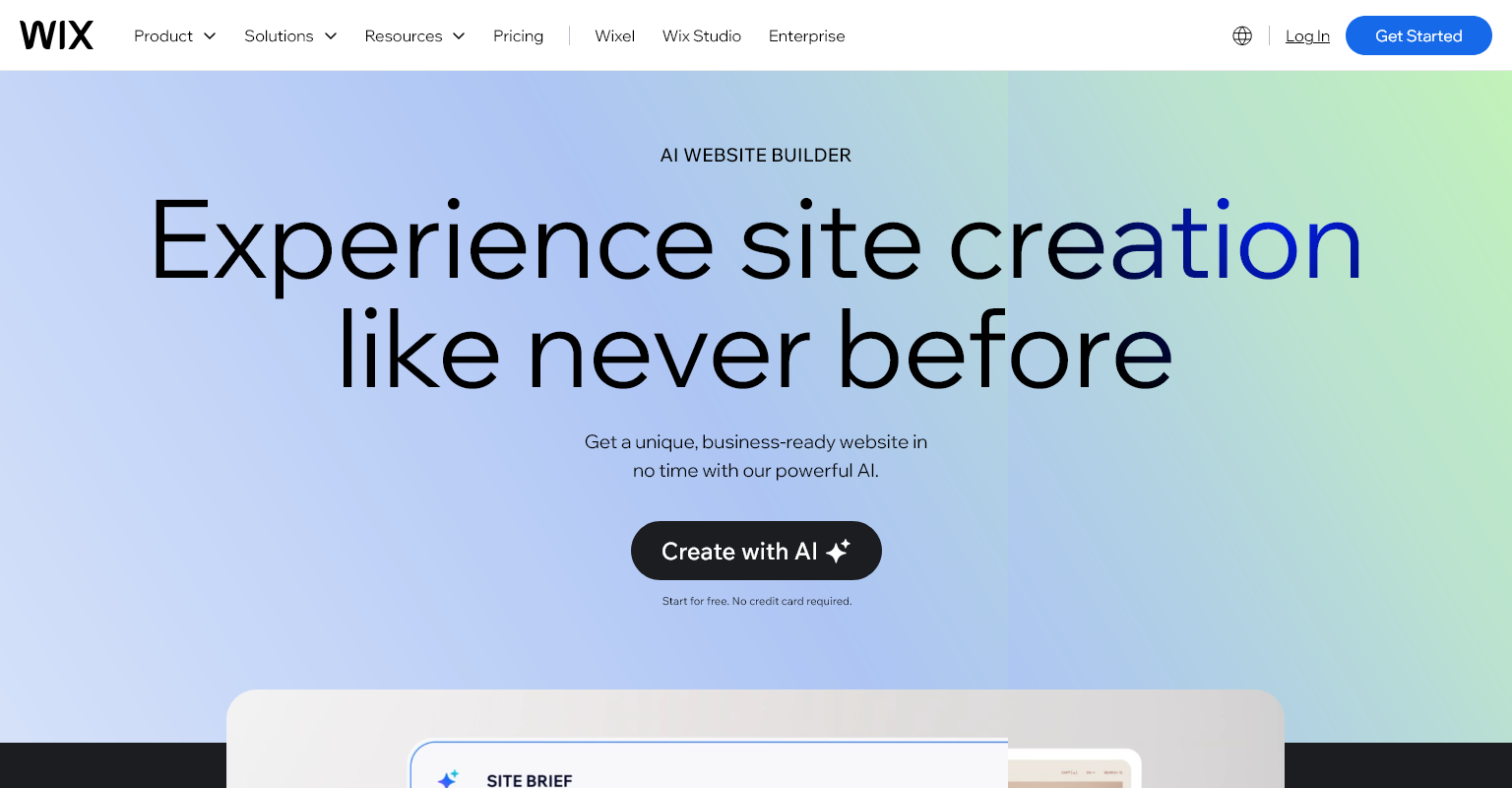
1. Wix ADI 3.0 (Wix AI Website Builder)

wix.comai-website-builder

Overview: Wix ADI 3.0 is an advanced AI-powered website builder that allows beginners to create polished websites with conversational inputs. It generates layout, content, images, and animations while optimizing SEO automatically. With built-in tools like Wix Logo Maker and Wix SEO Wiz, the platform offers a complete business-ready solution.

Website Link: https://www.wix.com/ai-website-builder

Features

  • AI-generated designs

  • AI content writer

  • Built-in SEO assistant

  • Online store builder

  • Booking system and CRM

Pricing (USD)

  • Website Plan: $8–$16/month

  • Business & eCommerce: $17–$32/month

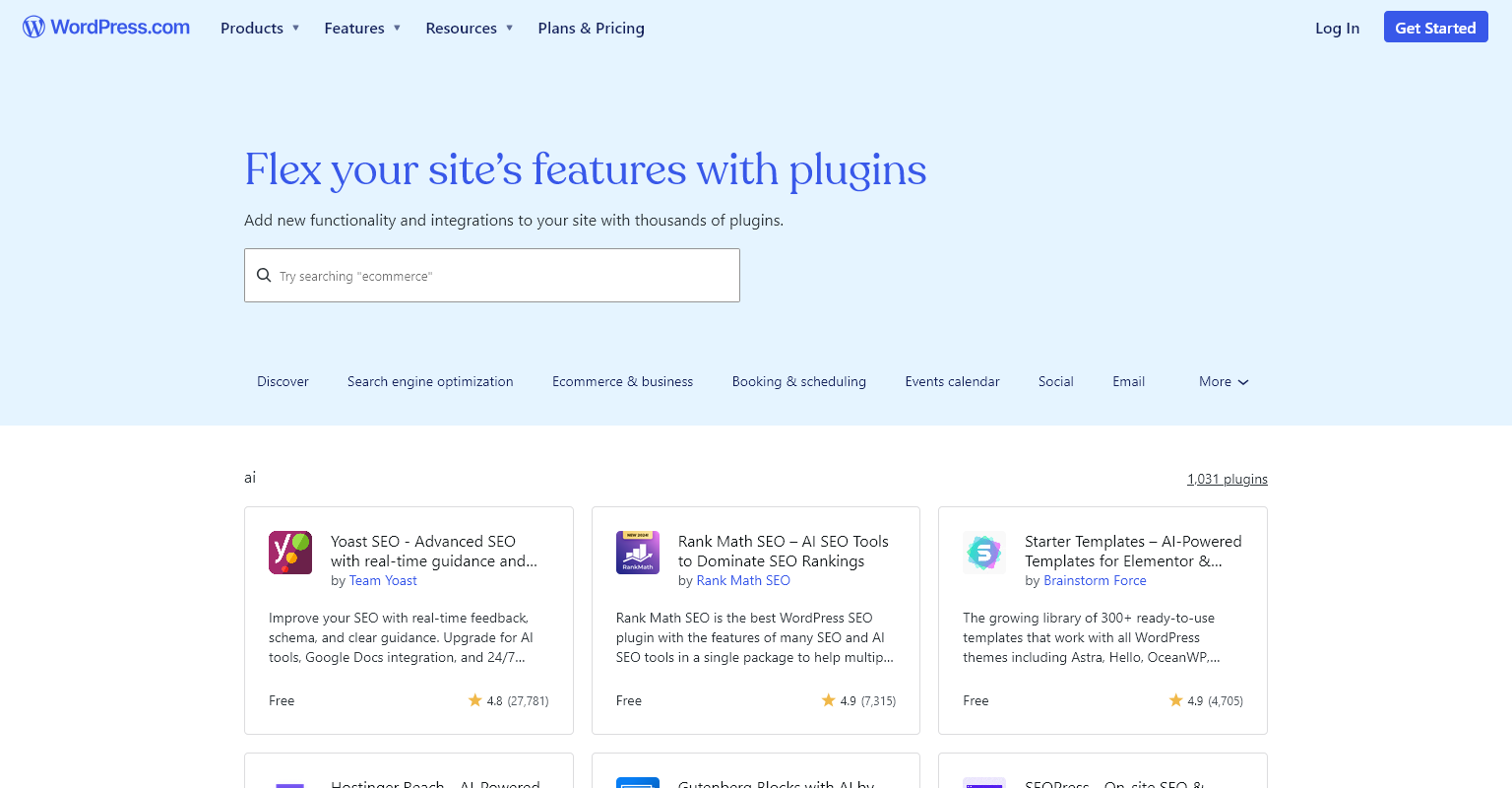
2. WordPress + AI Plugins

wordpress.complugins-browse-ai

Overview: WordPress remains the most customizable website system, enhanced in 2026 with tools like Elementor AI, Divi AI, Bertha.ai, and RankMath AI. These plugins help generate layouts, images, text, and SEO recommendations. While WordPress AI tools accelerate development, some manual work is still required — making it ideal for agencies, designers, and SEO-focused businesses.

Website Link: https://wordpress.com/plugins/browse/ai

Popular AI Tools

  • Elementor AI

  • Divi AI

  • ContentBot

  • Bertha AI

  • RankMath AI

Total Yearly Cost (USD)

  • Hosting + AI Plugins + Themes: $50–$150/year

3. Framer AI

framer.com-ai

Overview: Framer AI dominates SaaS startups and landing page designs. With single-prompt site generation, rich animations, lightning-fast performance, and clean layouts, it is the go-to platform for modern web design. The built-in SEO engine further ensures high ranking potential for product launches and apps.

Website Link: https://www.framer.com/ai/

Pricing (USD)

  • Mini: $5/month

  • Basic: $10/month

  • Pro: $20/month

  • Business: Custom pricing

4. Webflow AI

webflow.comfeature-ai

Overview: Webflow AI is a hybrid system combining visual design, CSS-level precision, and AI-powered content and layout generation. Built for agencies and professionals, Webflow allows you to convert prompts into components, adjust custom code, generate CMS structures, and edit pages using natural-language commands. It offers maximum creative control.

Website Link: https://webflow.com/updates/ai-site-builder

Pricing (USD)

  • Starter: Free

  • CMS Plan: $23/month

  • Business Plan: $39–$49/month

5. Durable AI Website Builder

durable.coai-website-builder

Overview: Durable AI is popular for ultra-fast website creation — delivering complete sites in under 30 seconds. It writes copy, creates images, generates business descriptions, and offers built-in AI CRM and marketing tools. While customization is limited compared to Webflow or WordPress, it’s perfect for local businesses and solopreneurs needing instant online presence.

Website Link: https://durable.co/ai-website-builder

Pricing (USD)

  • Starter: $12/month

  • Business: $20/month

AI Website Creation Methods in 2026

AI-driven website creation works through several methods depending on the tool and level of customization. Some platforms instantly generate entire websites from text prompts, while others offer AI-assisted design, code generation, and hybrid workflows. This section explores all the popular AI methods used in 2026 to help beginners understand their options and choose the most suitable approach for their project.

Method 1: Prompt-Based Website Generation

You enter:
“Build a website for my digital marketing agency.”
AI generates everything automatically.
Best for: Non-tech users, small businesses.

Method 2: AI-Assisted Design Tools

AI suggests designs while you control editing.
Best for: Designers, agencies, perfectionists.

Method 3: Full AI Code Generation

AI writes custom code blocks, animations, and components.
Best for: Developers, technical users.

Method 4: AI + Human Hybrid Workflow

AI drafts → Human refines → Website launches
Best for: Businesses that need quality + speed.

Pricing Breakdown of AI-Generated Websites in 2026 (All in USD)

AI website creation is significantly cheaper than traditional web development. Instead of spending $500–$3,000 on manual designs, AI platforms offer subscription-based pricing that includes hosting, design tools, and AI features. This section provides clear, updated USD pricing for all major platforms in 2026, including additional costs for domains, templates, premium plugins, and AI content tools.

AI Website Pricing Table (USD)

Platform Monthly Price Best For
Wix AI $8–$32 Small business sites
WordPress + AI Tools $50–$150/year Blogs, agencies
Framer AI $5–$20 SaaS landing pages
Webflow AI $23–$49 Designers
Durable AI $12–$20 Local businesses

Additional Costs

  • Domain: $10–$15/year

  • Premium Templates: $20–$60 (one-time)

  • AI Text Tools: $5–$20/month

  • AI Image Credits: $5–$12/month

  • Plugins/Add-ons: $5–$30 each

Top AI Trends in Website Development (2026)

AI-driven websites in 2026 are smarter, more automated, and more user-focused. Modern AI platforms can design dynamic interfaces, generate 3D components, rewrite content based on user behavior, and auto-optimize SEO in real-time. Understanding the latest trends helps businesses stay ahead in a competitive digital world.

Major Trends

1. 60-Second AI Websites

Ultra-fast generation with near-professional accuracy.

2. AI-Powered 3D Design & Motion UI

AI generates 3D models, animated illustrations, and interactive UIs.

3. Natural Language Editing

You can now type:
“Add a dark theme and improve spacing.”
AI updates the entire layout instantly.

4. Real-Time Personalization AI

Content changes depending on the visitor’s location, device, or intent.

5. AI SEO Engines

Platforms autogenerate schema, sitemaps, metadata, speed optimizations, and keyword-rich content.

6. AI eCommerce Stores

Product writing, inventory syncing, image creation, ads → all automated.

Manual vs. AI-Generated Websites — Which is Better for SEO in 2026?

SEO remains one of the biggest deciding factors when choosing between AI-generated and manually built websites. While AI-generated sites offer solid basic SEO and fast performance, they still lack the deep customization and content quality needed for long-term competitiveness in tough niches. Manual websites dominate when it comes to advanced SEO techniques, custom-coded performance optimization, authority-building content, and complex site structures. This section compares both approaches clearly so you can make the best choice.

SEO Comparison Table

Feature AI Websites Manual Websites
Speed Optimization Good Excellent
On-Page SEO Good Excellent
Technical SEO Limited Full control
Content Depth Good High-quality human content
Code Quality Limited Fully customizable
Scalability Medium High
Ranking Potential Medium High
Cost Low Medium to high

Final SEO Verdict

Manual Websites Rank Better in 2026 because they offer deeper content quality, technical flexibility, and long-term authority.
AI Websites are ideal for small businesses, quick launches, and low-competition niches.

Final Recommendations — Which Website Should YOU Choose?

Your ideal choice depends on your goals, budget, and industry. AI-generated websites provide instant online presence, lower cost, and quick content generation — perfect for beginners, new businesses, and simple sites. Manual websites are the better option for strong SEO, brand identity, complex features, and competitive industries. This final section summarizes recommendations for different user types so you can confidently choose the best direction for your 2026 website strategy.

How SBM Technologies Helps You Build AI or Manual Websites (Promotional Ending)

At SBM Technologies, we build AI-powered and manual professional websites based on your exact requirements. Our services include:

✅ AI Website Creation (Wix AI, Framer AI, Webflow AI, WordPress AI)
✅ Custom Manual Web Design (WordPress, Webflow, HTML/CSS, WooCommerce)
✅ SEO-optimized content writing
✅ Lightning-fast performance
✅ Mobile-first design
✅ Affordable packages for startups
✅ Experienced team trusted by global clients since 2006

Whether you want a fast AI-generated website or a fully custom manual website, we deliver both — with world-class quality, SEO optimization, and complete business-ready setup.

Your website. Your style. Your choice.
SBM Technologies builds it perfectly — every time.

When it comes to front-end development, choosing the right CSS framework is a foundational decision that impacts both design workflow and long-term maintainability. Two of the most popular CSS frameworks today are Tailwind CSS and Bootstrap. Both have strong communities, detailed documentation, and are trusted by thousands of developers and companies around the world.

What Is Tailwind CSS?

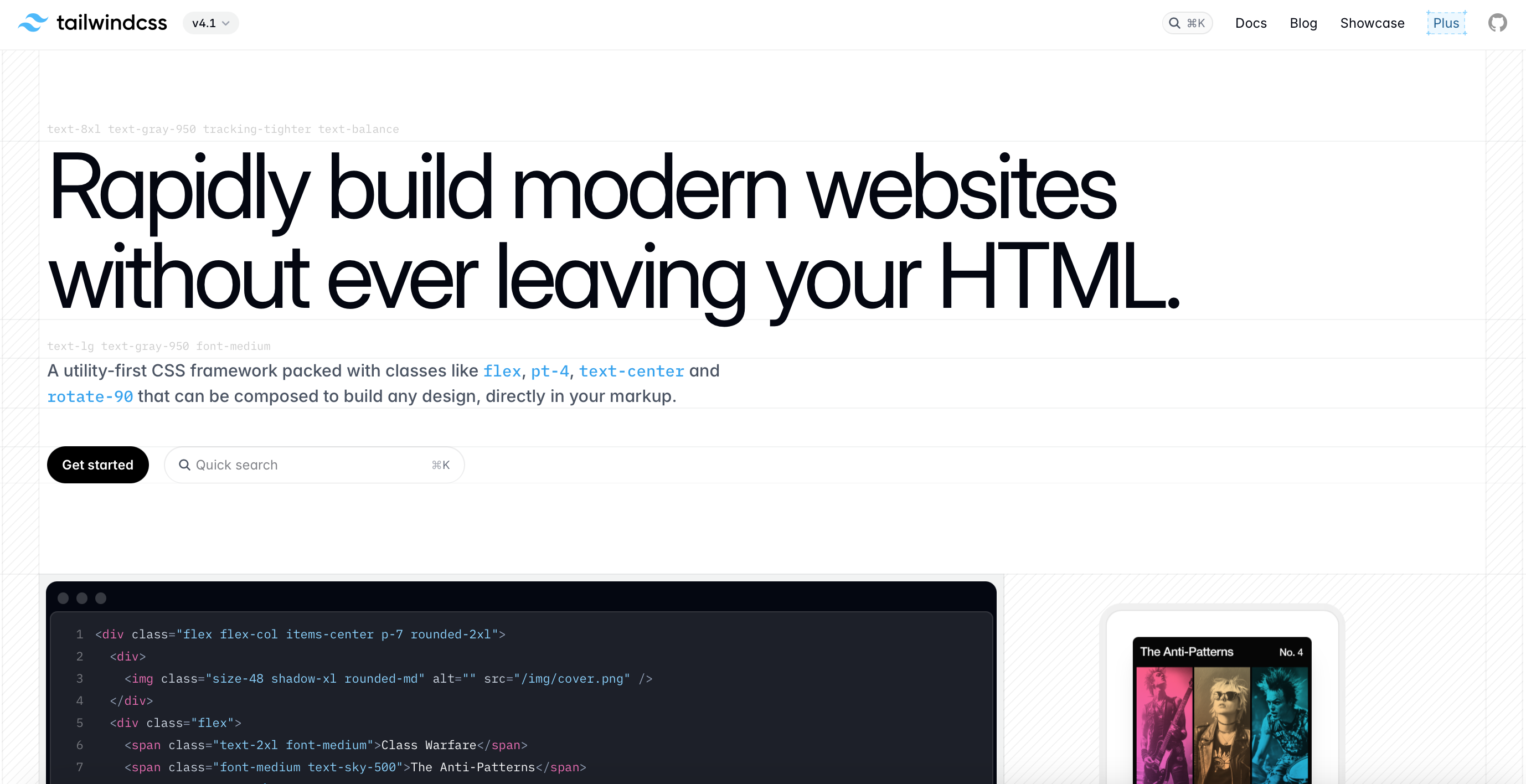
Tailwind CSS is a modern, utility-first CSS framework designed to speed up UI development. Instead of writing custom CSS, you apply predefined utility classes directly in your HTML to style elements. Each class performs a single function, such as setting padding, margins, colors, or font sizes, making it highly composable and customizable.

tailwindcss-screenshotTailwindCSS

Key Features of Tailwind CSS:

  • Utility-First: Style elements using low-level utility classes like p-4, text-center, bg-blue-500, etc.
  • Highly Customizable: Extend or override default design tokens (colors, spacing, breakpoints) via the tailwind.config.js.
  • Responsive Design: Comes with responsive variants out of the box using sm:, md:, lg:, and so on.
  • Dark Mode: Built-in dark mode support using class or media strategy.
  • JIT (Just-in-Time) Compiler: Generates only the styles you use, making CSS files extremely small and optimized.
  • Integration Ready: Works seamlessly with React, Vue, Angular, Laravel, Next.js, Nuxt, and many other frameworks.

Tailwind CSS empowers developers and designers to build responsive, clean, and scalable UIs faster, without writing a single line of traditional CSS.

✅ Tailwind CSS File Structure (Using NPM + PostCSS or Tailwind CLI)

project-root/
│
├── public/                   # Public-facing files
│   └── index.html
│
├── src/
│   ├── input.css             # Tailwind’s base CSS file (import directives)
│   └── components/           # Optional folder for component styles
│
├── tailwind.config.js       # Tailwind configuration file
├── postcss.config.js        # PostCSS config (if used)
├── package.json             # NPM dependencies
└── dist/
    └── output.css           # Compiled Tailwind CSS

Key Notes:

  • input.css typically contains:
@tailwind base;
@tailwind components;
@tailwind utilities;
  • Customize design tokens in tailwind.config.js.
  • Use npx tailwindcss -i ./src/input.css -o ./dist/output.css --watch for build.
Code Example:
<button class="bg-blue-500 text-white font-bold py-2 px-4 rounded">Click Me</button>

This button uses multiple utility classes to define its styling directly in the HTML.

What Is Bootstrap?

Bootstrap is a popular, open-source front-end CSS framework developed by Twitter to streamline web development. It provides a ready-made set of design components, layout systems, and JavaScript plugins that make it easy to build responsive, mobile-first websites and web applications.

getbootstrap-screenshot

Bootstrap

Key Features of Bootstrap:

  • Component-Based: Comes with pre-built components like buttons, forms, modals, navigation bars, carousels, and more.
  • Grid System: Includes a 12-column responsive grid layout system for flexible and adaptive designs.
  • Responsive by Default: Uses media queries to ensure content looks great across all devices.
  • Utility Classes: Offers basic utility classes for spacing, text alignment, colors, and more.
  • JavaScript Plugins: Comes bundled with jQuery-based interactive features like dropdowns, tooltips, accordions, and alerts.
  • Consistent UI: Maintains consistent design across browsers and devices, helping speed up development.

Bootstrap is ideal for developers who want to quickly prototype or build fully functional websites without designing every component from scratch. It’s widely adopted in both small projects and enterprise-level applications due to its reliability, extensive documentation, and large community support.

✅ Bootstrap File Structure (Using NPM or via Sass)

project-root/
│
├── node_modules/
│
├── scss/
│   ├── custom.scss           # Your custom Bootstrap import
│   └── _variables.scss       # Optional variable overrides
│
├── dist/
│   └── css/
│       └── bootstrap.min.css
│
├── js/
│   └── bootstrap.bundle.min.js
│
├── index.html
├── package.json
└── webpack.config.js / vite.config.js (optional)

Key Notes:

  • custom.scss might look like:
// Custom overrides before import
$primary: #ff5722;

// Import Bootstrap
@import "bootstrap/scss/bootstrap";
  • For JS components (like modals, tooltips), use bootstrap.bundle.min.js which includes Popper.js.
Code Example:
<button class="btn btn-primary">Click Me</button>

This button uses Bootstrap’s predefined class to apply styles.

Key Differences Between Tailwind CSS and Bootstrap

Feature Tailwind CSS Bootstrap
Design Philosophy Utility-first, unopinionated Component-based, opinionated
Customization Full control over styles Themeable, but with restrictions
Learning Curve Steeper initially Easier for beginners
Reusability Encourages reusable utilities Prebuilt components
CSS File Size Smaller with JIT Larger due to built-in styles
JavaScript Dependencies Optional Built-in components require JS
Integration Great with modern JS frameworks Works with any HTML page
Community & Documentation Growing rapidly Mature and well-established

Pros and Cons of Tailwind CSS

Pros:
  1. Utility-First Approach
    You build custom designs directly in your HTML using utility classes, which speeds up development and reduces the need for writing custom CSS.
  2. Highly Customizable
    With the tailwind.config.js file, you can define your design system — colors, breakpoints, spacing, fonts — making your design consistent across your entire project.
  3. Responsive Design Made Easy
    Tailwind makes responsive layouts simple with its built-in mobile-first breakpoints, applied directly in the HTML via class names.
  4. Small Final File Size
    Tools like PurgeCSS (built into Tailwind CLI) remove unused CSS, ensuring your final CSS file is lightweight and optimized.
  5. Faster Prototyping
    Developers can rapidly build UI components without writing custom CSS, making Tailwind perfect for MVPs and design systems.
  6. Great Documentation & Ecosystem
    Comprehensive docs, templates, UI libraries (like Tailwind UI), and third-party plugins enhance developer productivity.
Cons:
  1. Messy HTML (Class Soup)
    HTML can get bloated with long class lists, especially on complex components, which some developers find hard to read and maintain.
  2. Learning Curve
    Developers unfamiliar with utility-first CSS may take time to adjust to Tailwind’s workflow and class naming conventions.
  3. Requires Build Process
    Tailwind needs a build step (e.g., using PostCSS or Tailwind CLI), which adds configuration overhead compared to using plain CSS or frameworks like Bootstrap CDN.
  4. No Pre-styled Components
    Unlike Bootstrap, Tailwind does not come with styled components. You have to build everything from the ground up (unless you purchase Tailwind UI or use community kits).
  5. Harder for Designers to Read
    Non-technical team members (like designers) may find it difficult to interpret Tailwind-heavy markup without tooling or experience.

Pros and Cons of Bootstrap

Pros:
  1. Pre-Built Components
    Bootstrap offers a vast library of ready-to-use UI components like buttons, modals, navbars, and carousels. This speeds up development and ensures design consistency.
  2. Responsive Grid System
    Its 12-column responsive grid system helps build layouts that adapt seamlessly across devices and screen sizes without writing custom media queries.
  3. Cross-Browser Compatibility
    Bootstrap is tested across all modern browsers, reducing the effort required for cross-browser testing and fixes.
  4. Consistent Design Language
    Developers get a uniform look and feel across all components, which is perfect for quick MVPs and admin dashboards.
  5. Accessibility Support
    Bootstrap components are built with accessibility in mind (ARIA attributes, semantic HTML), making websites more inclusive and WCAG-friendly.
  6. Comprehensive Documentation
    Bootstrap has excellent official documentation, along with numerous community tutorials, making it beginner-friendly and easy to learn.
  7. Quick Start with CDN
    You can get started instantly with a CDN link without needing a build tool or configuration setup.
Cons:
  1. Generic Look
    Since many sites use Bootstrap, uncustomized projects can look similar or “template-like” without additional theming or styling effort.
  2. Heavy CSS & JavaScript Files
    The full Bootstrap bundle can be large if not customized or purged, which may affect load speed and performance.
  3. Less Flexibility
    Customizing Bootstrap’s core styles often requires overriding existing styles, which can get messy and lead to specificity wars.
  4. Component Overhead
    If you use only a few Bootstrap components, the rest of the CSS/JS can become unused bloat unless removed with custom builds.
  5. JavaScript Dependency
    Some Bootstrap components rely on JavaScript and jQuery, which can be unnecessary if you’re using a modern JavaScript framework like React or Vue.

When to Use Tailwind CSS

Tailwind CSS is best suited for:
  • Custom UI Designs from Scratch
    Tailwind CSS is perfect when you need complete control over your design system. If your project demands a unique, brand-specific look (rather than a predefined theme), Tailwind lets you build custom UIs using utility-first classes without being constrained by pre-styled components.
  • Design Systems and Component Libraries
    If you’re building a scalable design system or reusable component library, Tailwind is an excellent choice. It encourages consistency and reusability, especially when paired with tools like Tailwind UI, Headless UI, or component-based frameworks (React, Vue, etc.).
  • Faster Prototyping with Utility Classes
    Tailwind’s utility-first approach allows developers to prototype quickly without writing custom CSS. This is especially useful for startups, MVPs, or agile workflows where design iterations happen fast.
  • Performance Optimization Tailwind uses PurgeCSS (now built into Tailwind) to remove unused classes, resulting in tiny final CSS files. This boosts page load speed and improves Core Web Vitals, making it ideal for SEO-focused and performance-critical websites.
  • Working with JavaScript Frameworks If your stack includes React, Vue, Next.js, or Svelte, Tailwind integrates seamlessly. You can write styles inline using utility classes, which keeps your code closer to your markup and easy to maintain.
  • Collaborating with Designers Using Figma Tailwind has official and community-supported Figma design kits that mirror its class system. This bridges the gap between design and development, ensuring pixel-perfect results.
  • Teams That Prefer Utility-First CSS If your team enjoys using utility classes over traditional semantic CSS, Tailwind boosts development speed, reduces context switching, and avoids naming convention issues (like BEM or SMACSS).

Use Case Example: A custom dashboard for a SaaS application where branding and design need to stand out.

When to Use Bootstrap

Bootstrap is ideal for:
  • Rapid Development with Prebuilt Components
    Bootstrap shines when you need to get a fully functional UI up and running quickly. Its prebuilt components—buttons, navbars, modals, alerts, carousels—are ready to use, saving time and effort in building common UI elements from scratch.
  • Back-End Projects Needing a Front-End Layer
    For developers who primarily work with back-end languages (like PHP, Python, or .NET), Bootstrap provides an easy way to integrate a clean, responsive front-end without diving deep into frontend architecture or writing custom CSS.
  • Admin Dashboards and Internal Tools
    Bootstrap is ideal for internal dashboards or admin panels where speed and functionality matter more than highly customized designs. Its grid system and utility classes make layout and component alignment straightforward.
  • Legacy Browser Support
    If your project must support older browsers (like IE11), Bootstrap provides better backward compatibility compared to newer frameworks like Tailwind CSS, which focus on modern browser standards.
  • Consistent Look and Feel
    Bootstrap ensures visual consistency across your site with a default design system and typography. This is helpful for teams with limited design resources who still want a professional look.
  • Learning and Educational Projects
    For beginners or teams learning front-end development, Bootstrap offers a gentle learning curve. The official documentation is beginner-friendly, and there’s a large number of tutorials, templates, and community support.
  • Design-Heavy Projects Without a Dedicated Designer
    If you don’t have a UI designer on your team, Bootstrap’s ready-to-use components can help you build aesthetically pleasing interfaces with minimal effort or design expertise.

Use Case Example: An admin panel, CMS, or corporate website where rapid development and standardized UI are important.

SEO, Performance, and Accessibility

When it comes to SEO and performance, both Tailwind CSS and Bootstrap can support fully optimized websites if developers follow best practices. Tailwind CSS has a performance advantage due to its utility-first approach. With Tailwind, unused styles can be purged during the build process, resulting in much smaller final CSS files. This helps reduce page load time and improves Core Web Vitals—important ranking factors in Google’s SEO algorithms. By writing only what’s needed and avoiding bloated pre-built components, Tailwind naturally supports leaner, faster websites, especially for projects focused on speed and minimalism.

In terms of accessibility, Bootstrap has an edge for teams looking to move quickly. It comes with built-in ARIA roles, keyboard navigation, and screen reader support in most of its UI components, which makes it easier to meet accessibility standards out of the box. On the other hand, Tailwind doesn’t provide pre-built components, so accessibility has to be manually implemented. While this gives more control and customization, it also requires developers to be mindful of accessibility considerations when building UIs. Proper use of semantic HTML and ARIA attributes becomes essential when using Tailwind for accessible web development.

Tailwind CSS and Bootstrap Together?

Using Tailwind CSS and Bootstrap together is technically possible, and in certain scenarios, it may even seem beneficial—especially when trying to leverage the strengths of both frameworks. For example, developers might want to use Bootstrap’s pre-built components such as modals, carousels, or navbars to accelerate development time, while also applying Tailwind’s utility classes for custom spacing, typography, or responsive design. This hybrid approach allows for rapid prototyping with enhanced customization and flexibility.

However, combining both frameworks comes with drawbacks. First, it can significantly increase the final CSS bundle size, especially if unused Bootstrap and Tailwind utilities are not purged properly. This can negatively impact performance and page load speeds. Second, using two different CSS methodologies—one being utility-first (Tailwind) and the other component-based (Bootstrap)—can create confusion in class naming, styling hierarchy, and team collaboration. Maintenance becomes harder as the codebase grows, and debugging styling conflicts can slow down development.

From a long-term perspective, it’s best to stick with one CSS framework per project to ensure consistency, better performance, and cleaner code. If you require pre-built UI elements, Bootstrap is great. If you prioritize customization and performance, Tailwind CSS is the better option. Consistency is key in scalable, maintainable front-end development.

Pricing

🔹 Tailwind UI (Paid Add-on)

Tailwind CSS is also free and open-source. The official Tailwind UI component library (built by the creators) is a paid product.
Price:

  • $149 (one-time) — for the Application UI
  • $349 (one-time) — for the Complete Package (Marketing + Application UI)
  • Lifetime access, free updates

Tailwind UI Pricing: https://tailwindui.com/pricing

🔹 Bootstrap Premium Themes (via Bootstrap Themes by Creative Tim, Start Bootstrap, and others)

Bootstrap itself is also free and open-source under the MIT license, widely used for personal and commercial projects without any fees.

Price Range:
  • $49 – $249+ depending on the theme and license
  • Includes admin dashboards, landing pages, and UI kits

Bootstrap Themes Pricing: https://themes.getbootstrap.com/

How SBM Technologies Can Help

At SBM Technologies, we are industry experts in Tailwind CSS and Bootstrap development. Our skilled front-end team has successfully delivered hundreds of websites and web applications using both frameworks for top brands and growing businesses worldwide.

Our services include:
  • Clean, semantic, and SEO-friendly HTML/CSS
  • Mobile-first, responsive layouts
  • Optimized performance with minimal CSS footprint
  • WCAG-compliant accessibility
  • Cross-browser and device compatibility
  • Pixel-perfect UI implementation from Figma, XD, Canva, or Sketch

We are also experienced in integrating third-party scripts, prebuilt UI kits, and custom components—ensuring a smooth front-end development workflow without any compromise on quality or maintainability.

Check out our work samples to see how we bring your designs to life with precision and performance.

We don’t just write code—we deliver clean, semantic, responsive HTML/CSS optimized for SEO and performance. Whether it’s a landing page, e-commerce site, dashboard, or web app, we make sure your website looks and functions flawlessly on all devices.

Final Thoughts

There is no one-size-fits-all answer when comparing Tailwind CSS vs. Bootstrap. Each has its advantages depending on your project’s scope, design requirements, and your team’s familiarity with the framework.

Choose Tailwind CSS if:
  • You want full design flexibility
  • You work with modern JS frameworks
  • Performance and minimal CSS matter
Choose Bootstrap if:
  • You want quick results with prebuilt components
  • You prefer working with standard UI patterns
  • You’re building enterprise-grade web interfaces

Both frameworks are excellent. At SBM Technologies, we guide our clients through the decision-making process to ensure you get the best fit. Contact us today to learn more about how we can turn your design into a fast, responsive, and visually appealing website using the CSS framework of your choice.

Creating a stunning and functional website starts with a great design. Figma has become a favorite design tool for UI/UX designers due to its collaborative features and ease of use. But when it comes to turning those beautiful mockups into functional code, many struggle. That’s where Framer comes in. With Framer, converting Figma to HTML becomes intuitive and efficient. In this guide by SBM Technologies, we’ll walk you through every step of exporting your Figma design to clean HTML using Framer.

Table of Contents

  1. Introduction to Figma and Framer
  2. Why Convert Figma to HTML?
  3. Benefits of Using Framer for HTML Export
  4. Setting Up Your Figma Design for Export
  5. Connecting Figma to Framer
  6. Working with Components in Framer
  7. Customizing Styles and Animations
  8. Exporting HTML Code from Framer
  9. Testing and Optimizing the HTML Output
  10. Final Tips and Best Practices

1. Introduction to Figma and Framer

Figma is one of the most popular design tools today, offering collaborative, cloud-based design features for UI/UX designers. It allows teams to design interfaces, create prototypes, and hand off designs to developers.

Framer is a visual web builder that lets you turn your designs into functional websites using animations, interactivity, and real-time previews. While originally used for prototyping, Framer now supports production-ready websites with HTML export capabilities.

Combining Figma with Framer enables seamless transition from static design to responsive HTML.

2. Why Convert Figma to HTML?

Turning a Figma design into HTML means you can bring your static design to life on the web. It allows developers to implement responsive, interactive websites while preserving design precision. HTML output ensures faster loading, SEO readiness, and device compatibility.

  • Fast Deployment: Converting Figma to HTML accelerates web development workflows.
  • Design Accuracy: Maintain pixel-perfect design fidelity.
  • SEO Readiness: Clean HTML structures improve your site’s discoverability on search engines.
  • Cross-Platform Compatibility: HTML is compatible across devices and browsers.

3. SEO Benefits of Clean HTML

A well-structured HTML output ensures:

  • Fast load time (reduced bounce rates)
  • Better accessibility with semantic tags
  • Improved indexing for Google bots
  • Enhanced mobile performance

At SBM Technologies, we prioritize SEO semantic HTML when delivering websites to clients. Our Figma to HTML process via Framer keeps all the vital metadata, alt text, header structure, and lightweight code for optimal SEO performance.

4. What is Framer?

Framer is a modern design tool that combines:

  • Visual design
  • Animation
  • Interactivity
  • Real-time preview

It supports importing Figma files and transforming them into live websites with custom animations and interactions. Framer is great for freelancers, agencies, and even enterprise-level websites.

5. Preparing Your Figma File

Before converting, ensure your Figma design is optimized:

  • Use organized layers with clear naming conventions
  • Group reusable components (buttons, forms, nav bars)
  • Keep a consistent style guide (colors, typography)
  • Ensure responsiveness (desktop, tablet, mobile)
  • Export SVGs, images at required resolution

Pro Tip: Use auto layout in Figma to improve conversion accuracy in Framer.

6. Step-by-Step Guide to Convert Figma to HTML with Framer

Step 1: Sign In to Framer

Go to Framer.com and sign in with your account. If you don’t have one, you can register for a free account.

Step 2: Create a New Project

From the dashboard, click on “+ New Project” and choose a blank canvas or a pre-built template.

Step 3: Import Your Figma File
  1. Open the Figma file you want to convert.
  2. In Framer, click Insert > Figma.
  3. Authenticate your Figma account.
  4. Select the frame or component you want to import.
Step 4: Layout Adjustments

Framer automatically interprets your design, but check for:

  • Alignment issues
  • Font mismatches
  • Spacing adjustments

Adjust margins, padding, and layout using Framer’s intuitive drag-and-drop interface.

Step 5: Make It Responsive

In the Framer canvas:

  • Use Flexbox for grids
  • Set breakpoints for mobile and tablet views
  • Adjust font scaling
Step 6: Add Animations and Interactions (Optional)

Framer allows adding scroll effects, hover animations, transitions, and page navigation without coding.

  • Click any element
  • Select the “Interaction” tab
  • Add behavior (e.g., on click, on hover)

7. Adding Interactivity in Framer

Framer allows easy style changes with live previews. Update colors, typography, spacing, and animations directly in the visual editor. Add micro-interactions and transitions to enhance user experience.

Framer lets you:

  • Create clickable buttons
  • Add modals or dropdowns
  • Build multi-page navigation
  • Trigger animations on scroll or hover

These can be achieved using Framer’s pre-built components or logic blocks. This enhances user experience and mimics real app behavior.

8. Exporting HTML from Framer

Once your project is ready, you can export clean, semantic HTML and CSS. Framer provides options to download or copy code snippets. Use these in your code editor or CMS.

  1. Click on Share > Export Code
  2. Select HTML/CSS format
  3. Download the zipped folder

You’ll receive a fully structured HTML folder with CSS and image assets.

9. Optimizing HTML Code for SEO

At SBM Technologies, we go one step further by refining the exported HTML:

  • Replace <div> with semantic elements (<header>, <main>, <footer>)
  • Add meaningful alt text to images
  • Use <h1> to <h6> hierarchy for content
  • Compress images using tools like TinyPNG
  • Minify CSS and JavaScript files
  • Add meta tags (title, description, keywords)

10. Real-Life Use Case by SBM Technologies

A US-based startup approached SBM Technologies to convert their Figma UI for a SaaS dashboard. Using Framer, we:

  • Imported and refined over 15 screens
  • Integrated animations and responsive layouts
  • Exported HTML and optimized it for SEO
  • Delivered the project in just 5 days

The client saw a 40% improvement in load speed and a significant boost in organic traffic after launch.

11. Tips for Pixel-Perfect Conversion

  • Stick to a consistent 8px grid in Figma
  • Use system fonts for compatibility
  • Avoid overlapping layers
  • Name layers and components properly
  • Preview mobile and desktop versions

12. Frequently Asked Questions

Q1. Can I host the HTML exported from Framer on any server?
Yes, once exported, you can host it on any hosting provider or CMS.

Q2. Does Framer export clean code?
Framer generates pretty clean HTML/CSS, but manual optimization is recommended for production.

Q3. Is Framer free?
Framer offers a free plan with limited features and premium plans for advanced needs.

Conclusion

Converting Figma to HTML using Framer is an efficient, visual, and code-friendly method that delivers design accuracy and SEO performance. SBM Technologies helps startups, agencies, and enterprises achieve fast, responsive, and SEO-optimized websites using cutting-edge design-to-code tools like Framer.

Ready to turn your Figma designs into high-quality HTML code?

Contact SBM Technologies today to elevate your digital presence.

Keywords: Figma to HTML, Framer to HTML, convert Figma designs, Figma export HTML, HTML optimization, responsive design

Article by: SBM Technologies – Experts in modern web development.

Static websites have become increasingly popular due to their speed, security, and ease of maintenance. Unlike dynamic websites that rely on databases and server-side processing, static websites deliver pre-rendered HTML, CSS, and JavaScript files to users, resulting in faster loading times and improved performance.

With advancements in web technologies, many frameworks have emerged that simplify the development of static sites. In this article, we will explore the best frameworks for building static websites in 2025, comparing their features, benefits, and ideal use cases.

Why Choose a Static Website?

Before diving into the frameworks, let’s look at why static websites are a preferred choice for many developers and businesses:

  • Speed & Performance: Since static sites do not rely on database queries, they load much faster than dynamic websites.
  • Security: With no database or server-side scripts, static sites have fewer vulnerabilities.
  • Scalability: They can handle high traffic efficiently as they are served via a CDN.
  • Ease of Deployment: Hosting static sites is simpler and cheaper, with platforms like GitHub Pages, Netlify, and Vercel offering free hosting.
  • Better SEO: Faster load times contribute to better search engine rankings.

Now, let’s explore the best static site frameworks in 2025 and determine which one is ideal for your project.

1. Next.js

next-js-frontend-framework

Overview: Originally designed for React-based applications, Next.js has evolved to support static site generation (SSG) alongside server-side rendering (SSR). It’s one of the most powerful frameworks for modern web development.

Website Link: https://nextjs.org

Features:

  • Hybrid capabilities (Static + Server-side rendering)
  • Automatic static optimization
  • Image optimization and built-in SEO enhancements
  • API routes for backend logic

Best for: Developers looking for an advanced framework that supports both static and dynamic content.

2. Gatsby

gatsby-frontend-framework

Overview: Gatsby is a powerful static site generator (SSG) built on React. It uses GraphQL for data handling and pre-fetching, making it a fast and efficient option for static website development.

Website Link: https://www.gatsbyjs.com

Features:

  • Fast performance with static pre-rendering
  • Huge plugin ecosystem
  • Supports Markdown, CMS, and API integrations
  • Progressive web app (PWA) support

Best for: Blogs, marketing websites, and eCommerce platforms needing high performance.

3. Hugo

hugo-frontend-framework

Overview: Hugo is one of the fastest static site generators available, written in Go. It is highly efficient and ideal for projects that require quick development cycles.

Website Link: https://gohugo.io

Features:

  • Ultra-fast build times
  • Built-in templates for easy customization
  • No dependencies required
  • Supports multiple content formats like Markdown

Best for: Personal blogs, documentation sites, and portfolios.

4. Jekyll

jekyll-frontend-framework

Overview: Jekyll is a simple, Ruby-based static site generator widely used for blogging and documentation.

Website Link: https://jekyllrb.com

Features:

  • Seamless integration with GitHub Pages
  • Markdown support for easy content management
  • Flexible theming and templating options
  • Active community and extensive plugins

Best for: Developers familiar with Ruby and those looking for GitHub-based hosting solutions.

5. Eleventy (11ty)

11ty-frontend-framework

Overview: Eleventy is a lightweight, flexible static site generator that does not lock developers into a specific framework.

Website Link: https://www.11ty.dev

Features:

  • Simple and minimalistic setup
  • Supports multiple template languages (Markdown, Handlebars, Nunjucks, etc.)
  • Fast build times and low overhead
  • Ideal for plain HTML and CSS sites

Best for: Developers who prefer flexibility and minimal dependencies.

6. Nuxt.js

nuxt-js-frontend-framework

Overview: Built on Vue.js, Nuxt.js is a popular framework that supports both static site generation (SSG) and server-side rendering (SSR).

Website Link: https://nuxt.com

Features:

  • Supports Vue 3 with enhanced performance
  • Automatic code-splitting for better load times
  • Static site generation with nuxt generate
  • Integrated state management via Vuex

Best for: Vue developers looking for a robust static site solution.

7. Astro

astro-build-frontend-framework

Overview: Astro is a next-gen static site builder that allows developers to mix and match multiple front-end frameworks like React, Vue, and Svelte.

Website Link: https://astro.build

Features:

  • Optimized for speed with partial hydration
  • Supports multiple UI frameworks in a single project
  • Component-driven approach for better maintainability
  • Ideal for content-heavy websites

Best for: Developers working with multiple front-end frameworks.

8. Pelican

pelican-frontend-framework

Overview: Pelican is a Python-based static site generator that offers a simple and efficient way to build static websites.

Website Link: https://getpelican.com

Features:

  • Supports reStructuredText and Markdown
  • Integrated RSS and Atom feeds
  • Flexible theming system
  • Well-suited for Python developers

Best for: Python enthusiasts who prefer a static site generator tailored for blogging.

Feature Comparison Table

Framework Language Speed Plugin Support Best Use Case
Next.js JavaScript Medium High Hybrid SSG & SSR
Gatsby JavaScript High Very High Blogs & eCommerce
Hugo Go Very High Moderate Documentation, Blogs
Jekyll Ruby Medium High Blogs, Personal Sites
Eleventy JavaScript High Moderate Minimalist Websites
Nuxt.js JavaScript Medium High Vue-based Static Sites
Astro JavaScript Very High Moderate Multi-Framework Projects
Pelican Python High Low Python-based Blogs

Choosing the Right Framework

The best framework depends on your project requirements:

Static websites are an excellent choice for developers looking to build fast, secure, and easily scalable web solutions. In 2025, frameworks like Next.js, Gatsby, Hugo, and Eleventy continue to evolve, offering developers the best tools to create high-performance websites.

At SBM Technologies, we help businesses and developers choose the right frameworks to build optimized, SEO-friendly websites. Whether you’re looking for a simple blog, a marketing site, or a fully functional web application, selecting the right static site generator is the key to success.

By choosing the best framework for your needs, you can ensure faster load times, improved security, and seamless user experiences for your website visitors.

When selecting a web design tool, it’s important to choose one that aligns with your specific needs. Figma vs Canva is a common comparison among designers, as both tools serve different purposes. Figma is the go-to choice for UI/UX designers working on web and app design, offering advanced prototyping and collaboration features. On the other hand, Canva is ideal for creating quick graphic designs, social media visuals, and marketing materials with its user-friendly, template-based approach. Understanding the differences between Figma vs Canva will help you determine the best tool for your design projects.

In this detailed comparison, we’ll explore Figma vs Canva in terms of features, pricing, pros, cons, and their best use cases to help you decide which is best for your needs.

What is Figma?

figma

Figma is a cloud-based UI/UX design tool that allows designers to create wireframes, prototypes, and high-fidelity designs. It is known for its collaborative features, which make it ideal for teams working on web and app development projects. Figma enables designers to create responsive designs with precision and allows real-time editing and feedback.

Key Features of Figma

  • Real-time Collaboration – Multiple users can edit designs simultaneously.
  • Cloud-Based – No need to install software; access projects from anywhere.
  • Vector-Based Editing – Ensures high-quality, scalable graphics.
  • Auto Layout – Makes responsive design easier.
  • Prototyping Tools – Create interactive prototypes without coding.
  • Plugins & Integrations – Extend functionality with third-party tools.
  • Version Control – Track changes and restore previous versions.

What is Canva?

canva-screen

Canva is an easy-to-use graphic design platform that helps users create social media graphics, presentations, posters, and other visual content. It is template-based, making it beginner-friendly for those with little to no design experience.

Key Features of Canva

  • Drag-and-Drop Editor – Simple interface for quick design creation.
  • Pre-made Templates – Thousands of professionally designed templates.
  • Stock Images & Icons – Large library of free and premium assets.
  • Collaboration Tools – Teams can edit and comment on designs.
  • Brand Kit – Store brand colors, fonts, and logos for consistency.
  • AI-Powered Tools – Magic Resize, Background Remover, and more.
  • Export Options – Download in multiple formats (PNG, JPG, PDF, etc.).

Figma vs Canva: Feature Comparison

Feature Figma Canva
Best For UI/UX design, web & app prototyping Graphic design, marketing materials
Collaboration Real-time multi-user editing Shared team workspaces
Accessibility Cloud-based, works in the browser Web-based & mobile apps
Design Control High level of customization Template-driven design
Prototyping Yes, built-in No, only static designs
Plugins Extensive plugin support Limited add-ons
AI Tools No Yes (Background remover, Magic Resize)
Learning Curve Steeper, requires some design knowledge Easy, beginner-friendly
Export Options HTML, SVG, PNG, JPG, PDF PNG, JPG, PDF, MP4, GIF

Figma vs Canva: Pricing Comparison

Figma Pricing

  • Free Plan – Basic features with limited projects and editors.
  • Figma Professional – $12/month per editor (Unlimited files, team collaboration).
  • Figma Organization – $45/month per editor (Advanced collaboration, analytics, security controls).

Canva Pricing

  • Free Plan – Basic templates and editing tools.
  • Canva Pro – $12.99/month per user (Premium templates, brand kits, AI tools, background remover).
  • Canva for Teams – Starts at $14.99/month (Advanced team collaboration tools).

Figma vs Canva: Pros and Cons

Pros of Figma

Best for UI/UX and web design projects.

Real-time collaboration and version control.

Advanced prototyping and design tools.

Works directly in the browser with no installation.

Extensive plugin support.

Cons of Figma

Steep learning curve for beginners.

No built-in AI tools like Canva.

Requires an internet connection for access.

Pros of Canva

Simple drag-and-drop interface for beginners.

Thousands of templates for fast design creation.

AI-powered tools for quick edits.

Great for social media, marketing, and branding.

Affordable pricing for individuals and teams.

Cons of Canva

Limited customization compared to Figma.

No prototyping features for UI/UX design.

Works best for static designs, not interactive layouts.

Which Tool is Best for Web Design?

Choose Figma if:

  • You are a UI/UX designer working on websites or apps.
  • You need a tool with advanced prototyping and interactive features.
  • You work with a team and require real-time collaboration.
  • You want complete control over design elements.

Choose Canva if:

  • You need a quick and easy way to create marketing materials.
  • You are a beginner with no prior design experience.
  • You don’t need advanced customization or prototyping.
  • You want access to AI-powered design tools.

Conclusion

Both Figma and Canva are excellent tools, but they serve different purposes. Figma is the best choice for professional UI/UX designers working on web and app design, while Canva is ideal for marketers, social media managers, and beginners looking for an easy way to create stunning visuals.

If you’re serious about web design, Figma offers better flexibility, prototyping, and collaboration features. However, if you need fast, beautiful graphics for social media, ads, or presentations, Canva is the way to go.

Ultimately, your choice depends on your design needs and skill level. Which tool do you prefer? Let us know in the comments!

Special characters in HTML are symbols and characters that are not found on a standard keyboard or need to be displayed differently due to HTML syntax. These characters are represented using entity codes, which ensure proper rendering on web pages. Understanding and using special character codes in HTML is essential for web developers and content creators to avoid formatting issues and improve accessibility.

What are Special Character Codes in HTML?

HTML special character codes are predefined entities that represent symbols, reserved characters, and non-printable characters. These entities begin with an ampersand (&) and end with a semicolon (;). They allow web browsers to correctly display characters that would otherwise be interpreted as part of the HTML syntax.

Why Use Special Character Codes?

  • Prevent Syntax Errors: Reserved HTML characters like <, >, and & can cause issues if used directly in content.
  • Ensure Proper Rendering: Some characters may not be available on all keyboards or may display incorrectly.
  • Enhance Readability: Special symbols and diacritical marks improve content clarity and accessibility.

Common HTML Special Character Codes

Here are some commonly used special character codes in HTML:

Reserved Characters

Character Entity Name Entity Code
< &lt; &#60;
> &gt; &#62;
& &amp; &#38;
" &quot; &#34;
' &apos; &#39;

Mathematical Symbols

Symbol Entity Name Entity Code
± &plusmn; &#177;
× &times; &#215;
÷ &divide; &#247;
&radic; &#8730;
&asymp; &#8776;

Currency Symbols

Symbol Entity Name Entity Code
$ &dollar; &#36;
&euro; &#8364;
£ &pound; &#163;
¥ &yen; &#165;
&ruppee; &#8377;

Greek Letters

Symbol Entity Name Entity Code
α &alpha; &#945;
β &beta; &#946;
γ &gamma; &#947;
π &pi; &#960;
Ω &Omega; &#937;

Punctuation Marks

Symbol Entity Name Entity Code
© &copy; &#169;
® &reg; &#174;
&trade; &#8482;
&hellip; &#8230;
§ &sect; &#167;

How to Use Special Character Codes in HTML

To use special characters in an HTML document, simply replace the character with its corresponding HTML entity or numerical code.

Example 1: Using Reserved Characters

<p>Use &lt;h1&gt; for headings instead of &lt;h2&gt;.</p>

Output: Use <h1> for headings instead of <h2>.

Example 2: Displaying Mathematical Symbols

<p>The equation is: 5 &times; 5 = 25</p>

Output: The equation is: 5 × 5 = 25

Example 3: Using Currency Symbols

<p>The price is &pound;50 or &euro;60.</p>

Output: The price is £50 or €60.

Best Practices for Using Special Character Codes

  • Always encode <, >, and & to prevent HTML syntax errors.
  • Use named entities (e.g., &copy;) for readability, but numerical codes (e.g., &#169;) ensure compatibility.
  • Validate your HTML to confirm all entities render correctly.
  • Use special characters sparingly to maintain clean, readable HTML code.

Conclusion

Understanding and using special character codes in HTML ensures your content is correctly displayed across all browsers and devices. Whether you need reserved characters, mathematical symbols, or currency signs, HTML entities provide a reliable way to handle special characters. By following best practices, web developers can create accessible and well-structured web pages.